Skip to content
Tanveer Hoque
00

Download the software

The projects that ship an installer, and the newest build of each. Straight from the GitHub release — no mirror, no tracker, no sign-up.

agent-platform

v0.7.1 · 2026-08-31

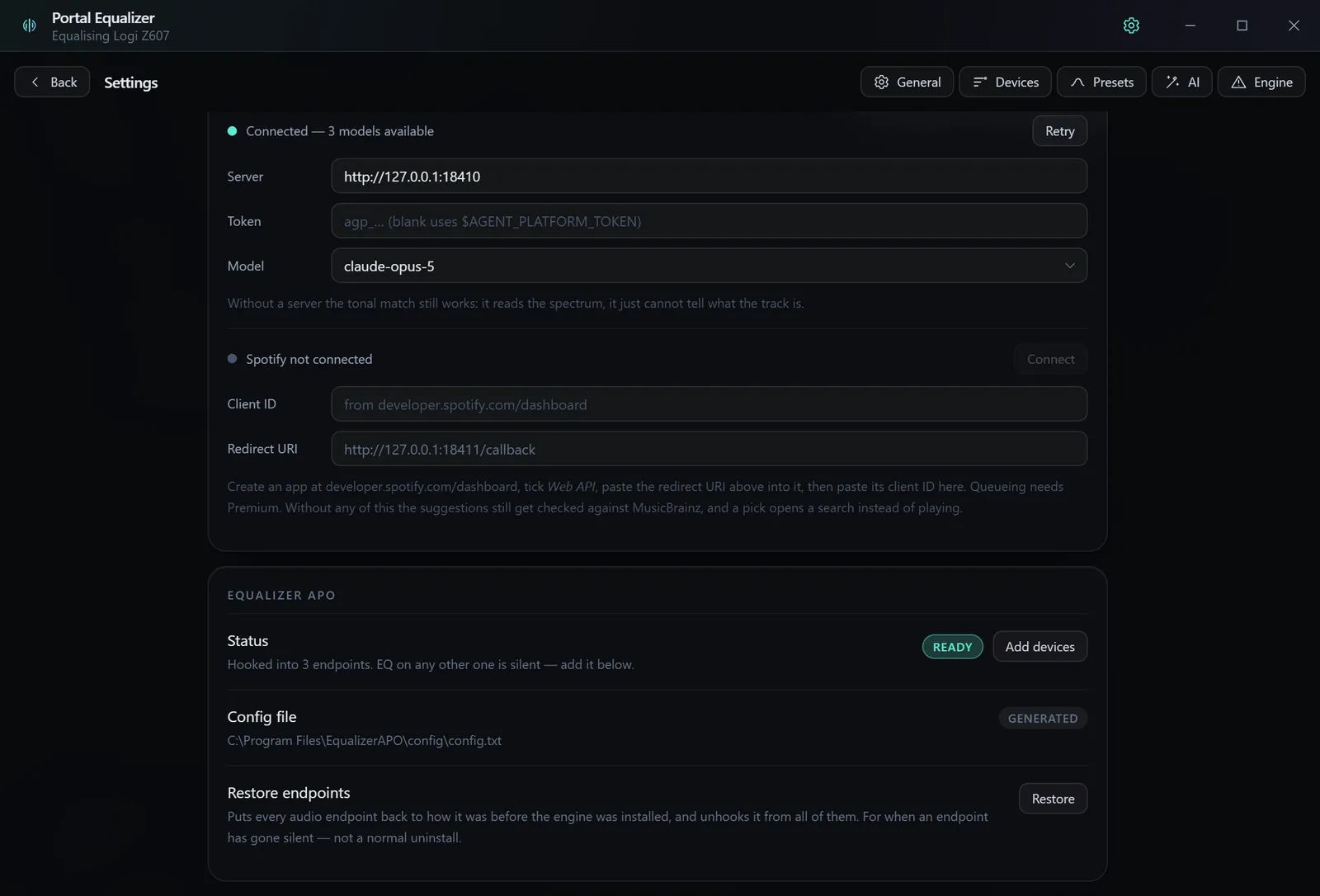
One OpenAI-compatible endpoint in front of every model, hosted or running on the desk.
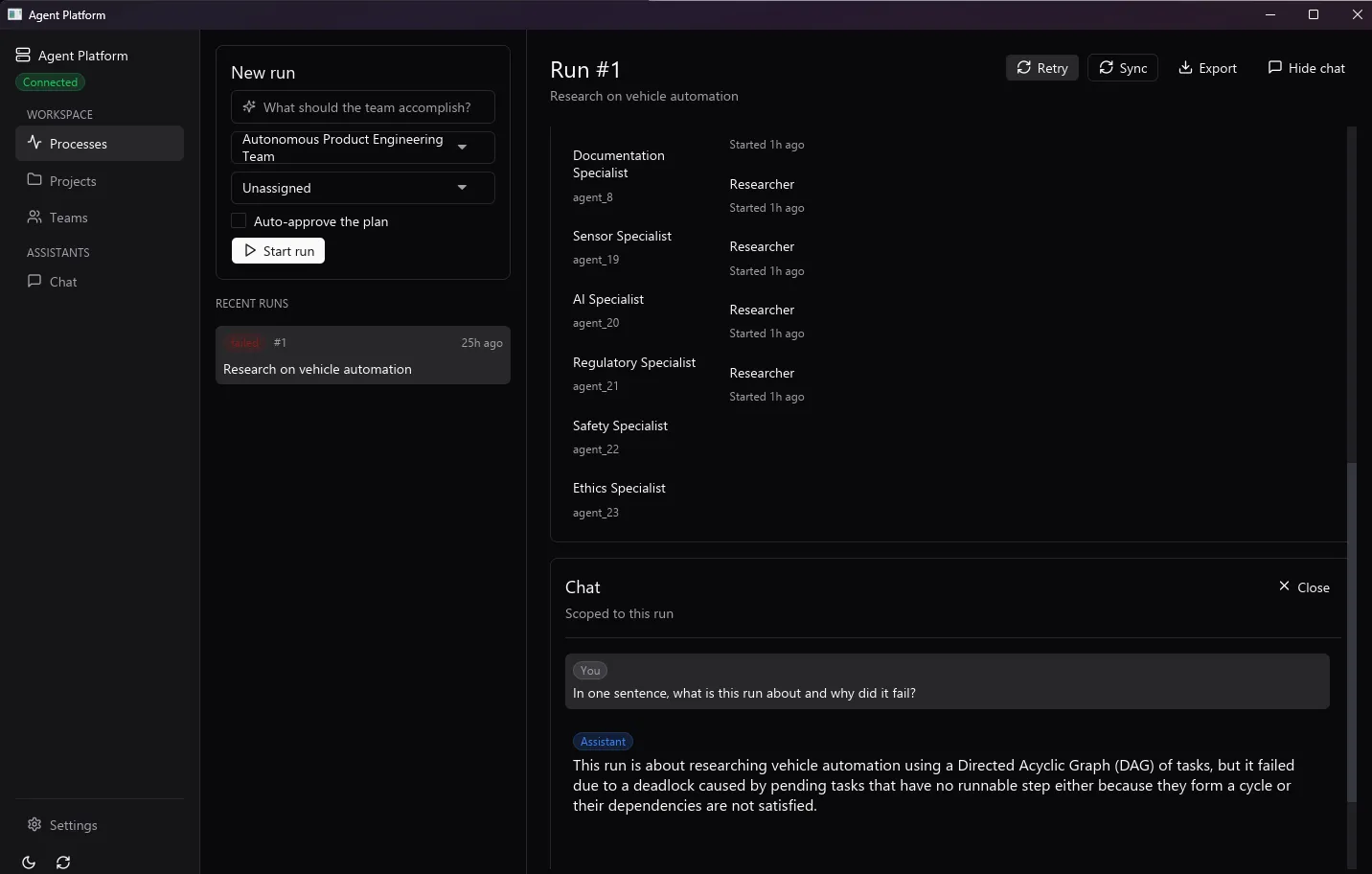
A scoped chat in the desktop app, with the model and its context named above the conversation.
Scoped chat
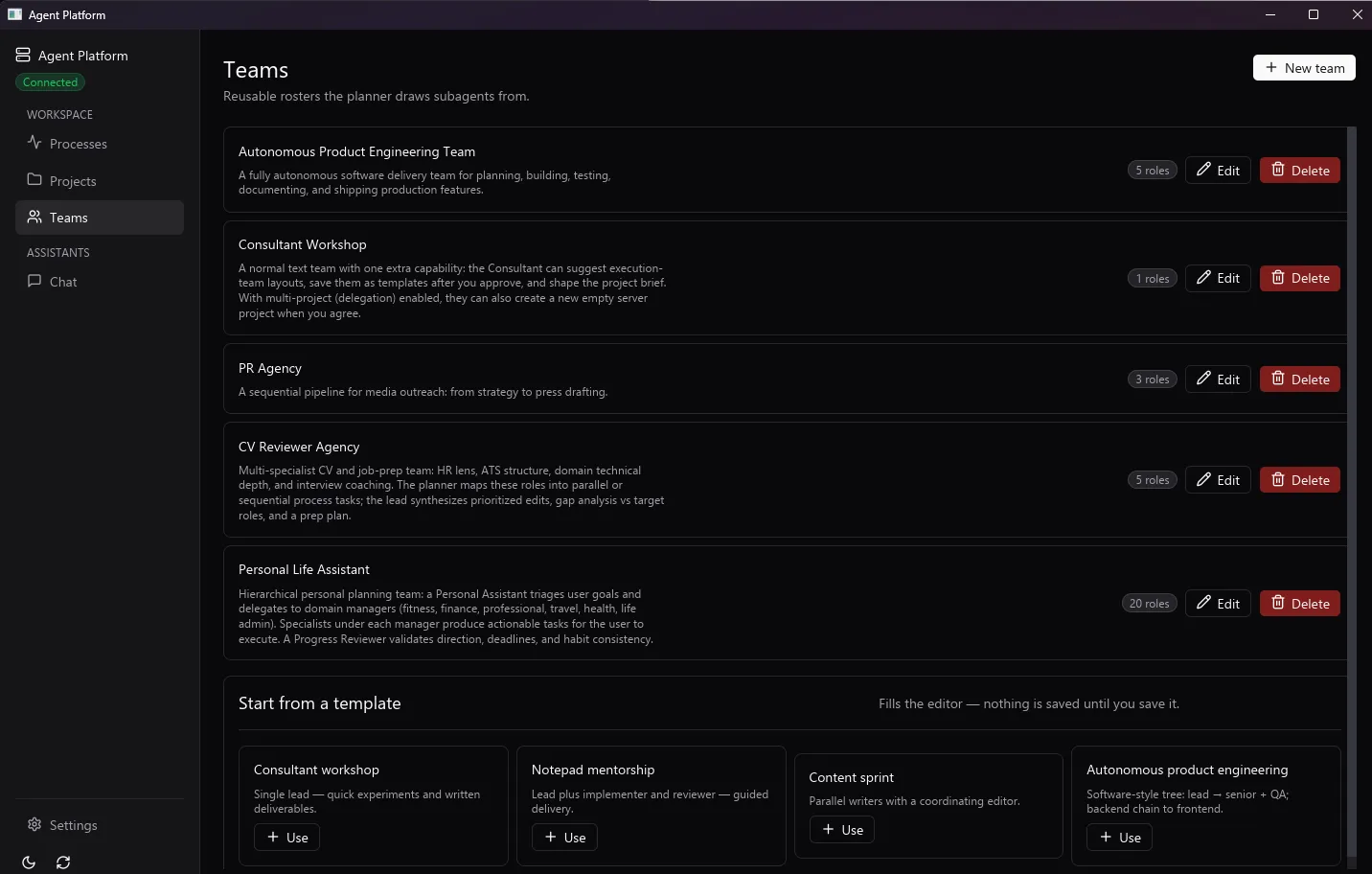
The teams view: several agents and the models each one is pinned to.
Teams
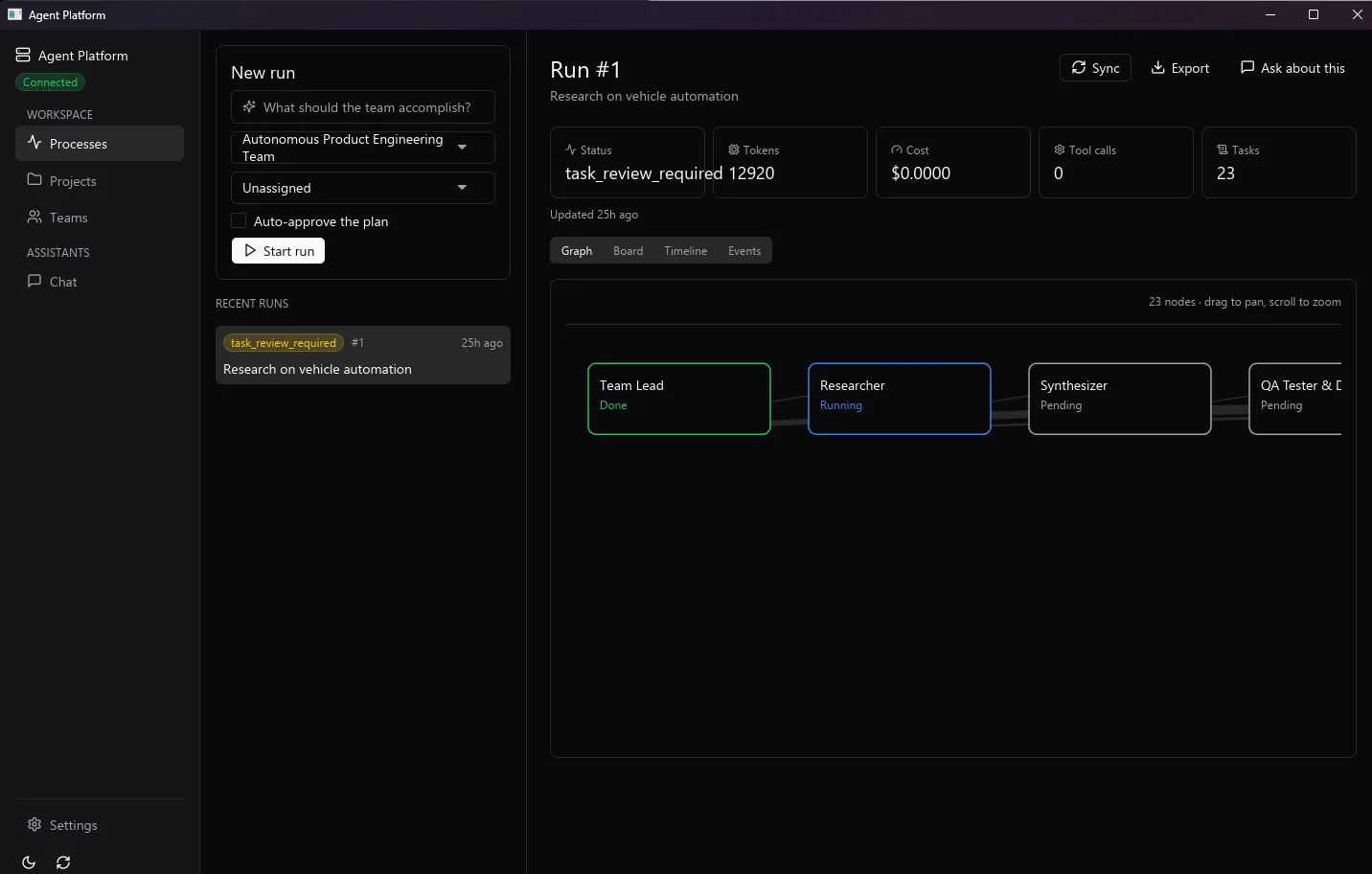
The processes view, showing the local runtimes the server is talking to.
Processes

1 / 3

Or install from the terminal

macOS / Linux

curl --proto '=https' --tlsv1.2 -LsSf https://github.com/tanvoid0/agent-platform/releases/download/v0.7.1/agent-platform-server-installer.sh | sh

Windows PowerShell

powershell -ExecutionPolicy Bypass -c "irm https://github.com/tanvoid0/agent-platform/releases/download/v0.7.1/agent-platform-server-installer.ps1 | iex"

Previous versions (4)

Portal Desktop

v0.12.1 · 2026-08-22

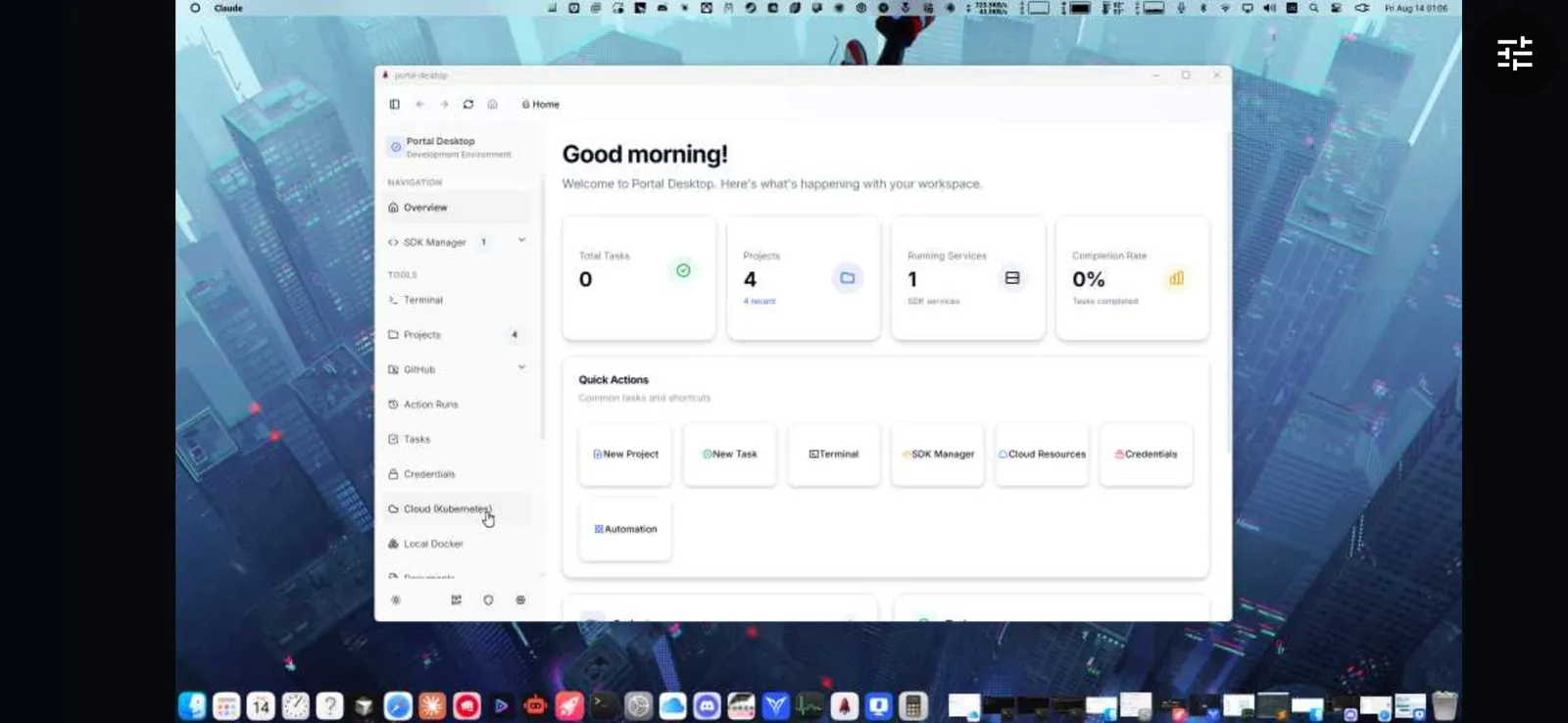
A desktop client for the agent platform: terminal, repositories and agent workspace in one window.

Previous versions (4)

Portal Remote

v0.8.0 · 2026-09-14

Drive a Windows PC from an Android phone over the LAN: trackpad, screen mirror, casting and file transfer, with no cloud in the path.

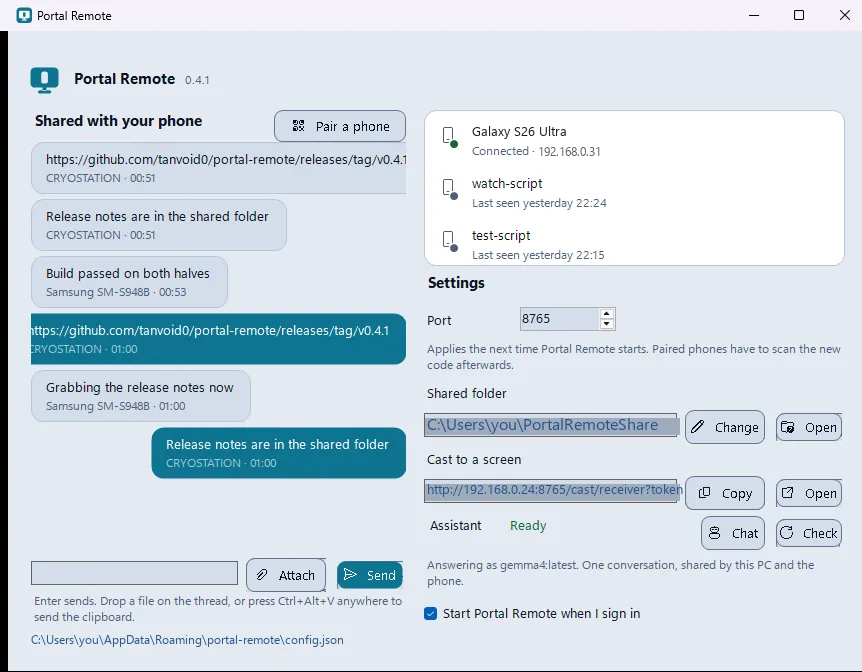
The Windows tray app: the share thread with the phone on the left, and on the right the connected phone, port, shared folder, cast link and assistant status.
The PC half
The mirror full-screen in landscape: the PC’s desktop fills the phone edge to edge, with the on-screen controls hidden behind a single floating button.
Screen mirroring
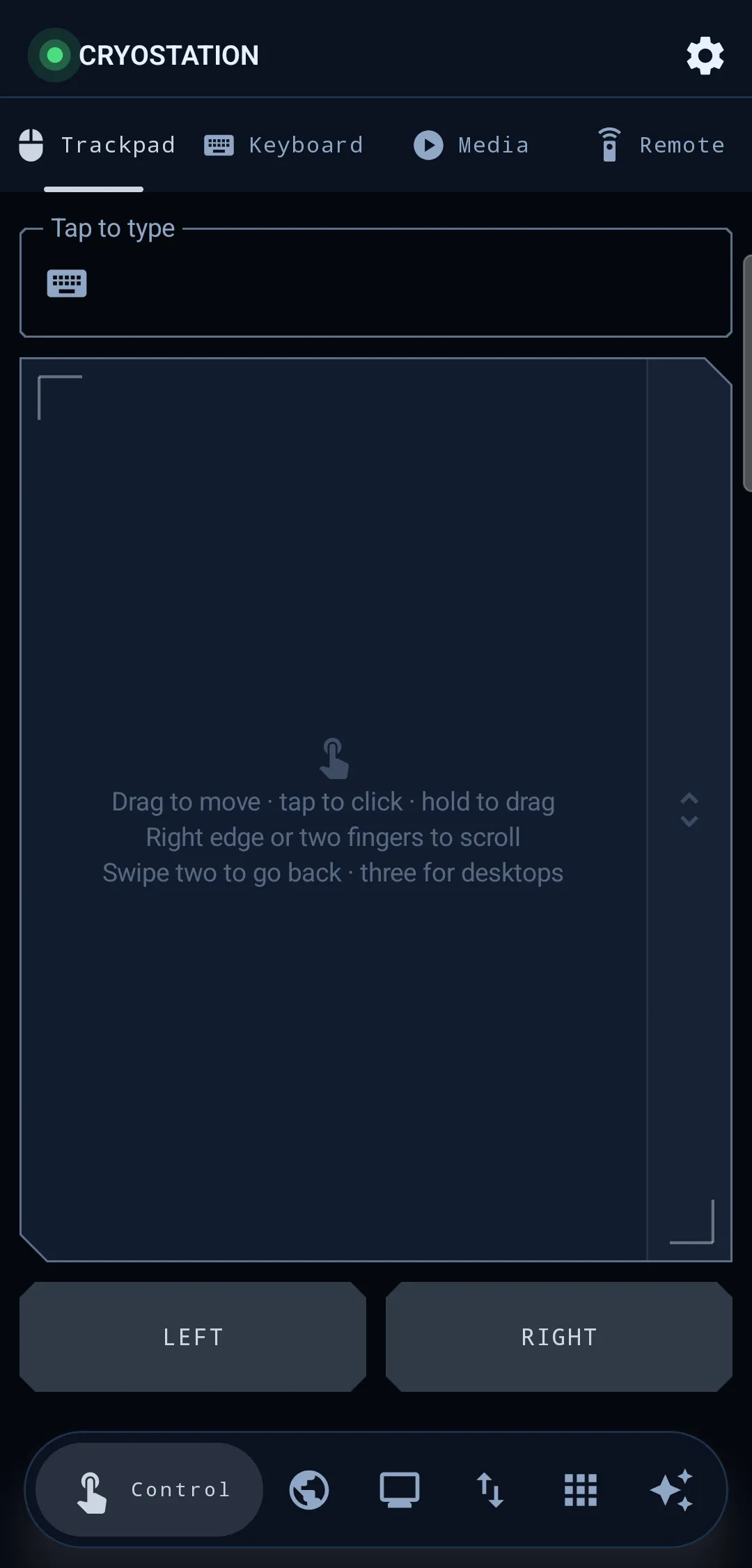
The control tab in trackpad mode: a full-surface trackpad with reticle marks at its corners and a scroll rail down the right edge, a tap-to-type field above and click buttons below.
Trackpad
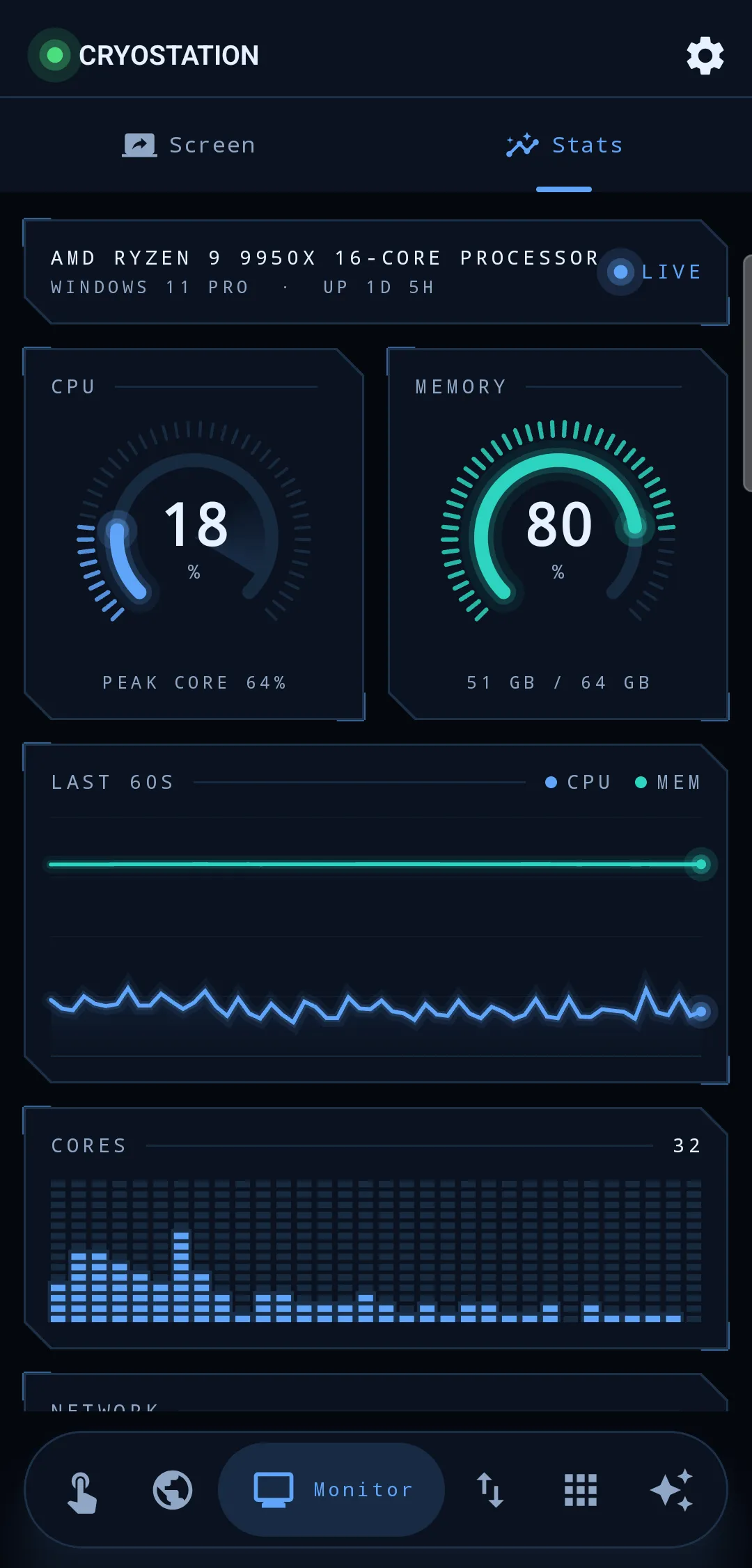
The monitor tab in stats mode: lit CPU and memory dials, a minute-long load trace, and a lit cell per logical core.
Resource dashboard

1 / 4

Previous versions (4)

Versions are read at build time, so this page shows the release that was current at the last deploy. The release-notes link is always the live one.