Portal Remote
Drive a Windows PC from an Android phone over the LAN: trackpad, screen mirror, casting and file transfer, with no cloud in the path.
Problem
The remotes that do this are cloud remotes: the phone talks to a relay, the relay talks to the PC, and a keystroke on the sofa leaves the building and comes back. That is an account, a subscription and a third party holding a live input channel into a desktop, all for a link between two devices already on the same Wi-Fi.
Approach
Two halves and no relay. A .NET 8 tray app on the PC hosts an embedded Kestrel server; a Kotlin/Compose client finds it on the LAN by discovery or a QR code and talks to it directly. The trust boundary is drawn once and stated plainly: LAN-only, one shared bearer token, and holding that token is the practical equivalent of sitting at the PC. Everything else is built against that: screen mirroring as MJPEG, a resource dashboard the PC only samples while somebody is looking at it, casting to Roku and DLNA, and an assistant that is the one feature with an outside dependency and is off until agent-platform is running.
Outcome
- One tag builds both halves: a self-contained PortalRemote.exe that needs no .NET installed, and an APK, with a SHA256SUMS.txt attached to every release.
- Live desktop mirroring at ~14.5fps, per-monitor, pinch to 4×, and tap-to-click where you looked.
- Both halves update themselves from the GitHub release API, and nothing else leaves the machine.
- Four accent pairs, every one checked against WCAG on both light and dark, so the colour picker cannot produce a screen you cannot read.
- Seven releases since the first tag, the newest at v0.5.0.
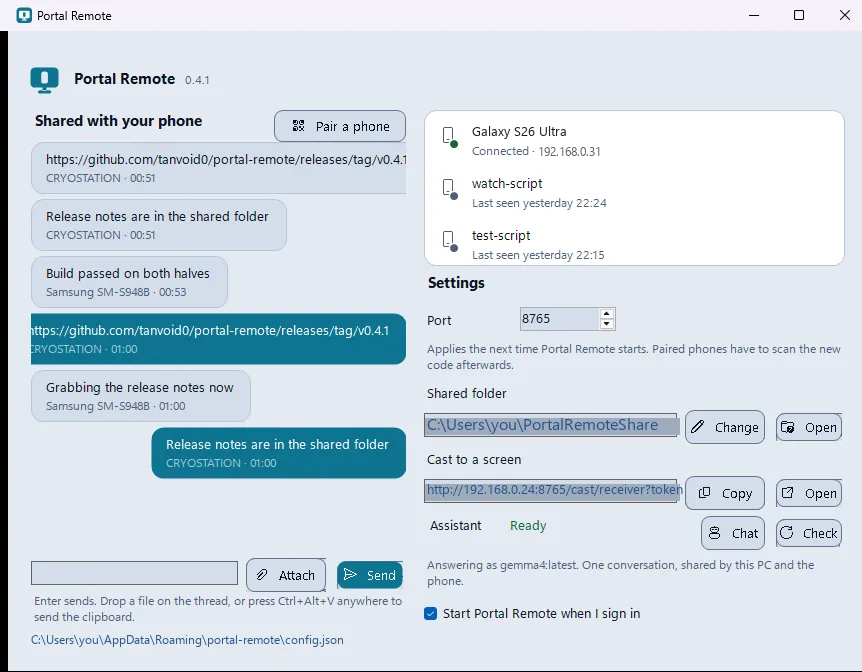
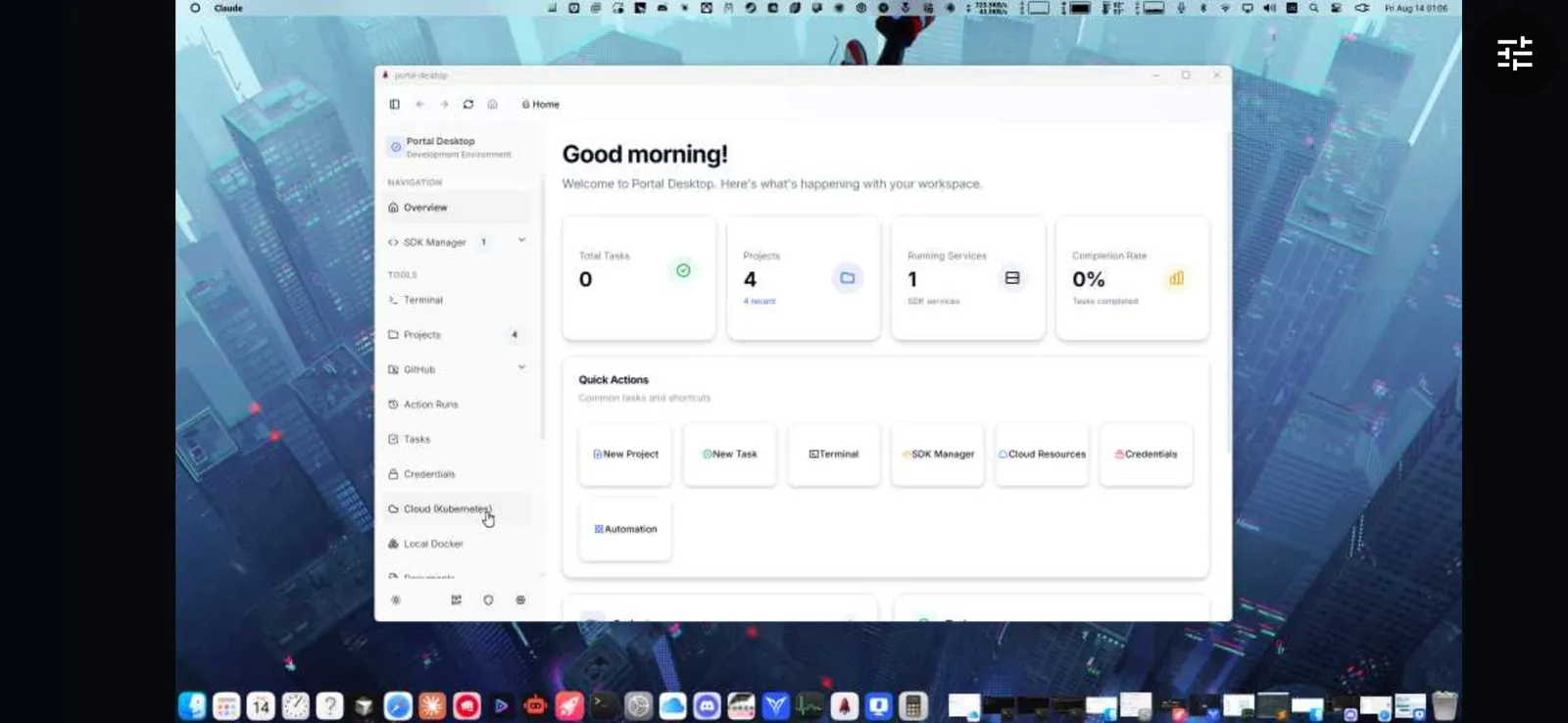
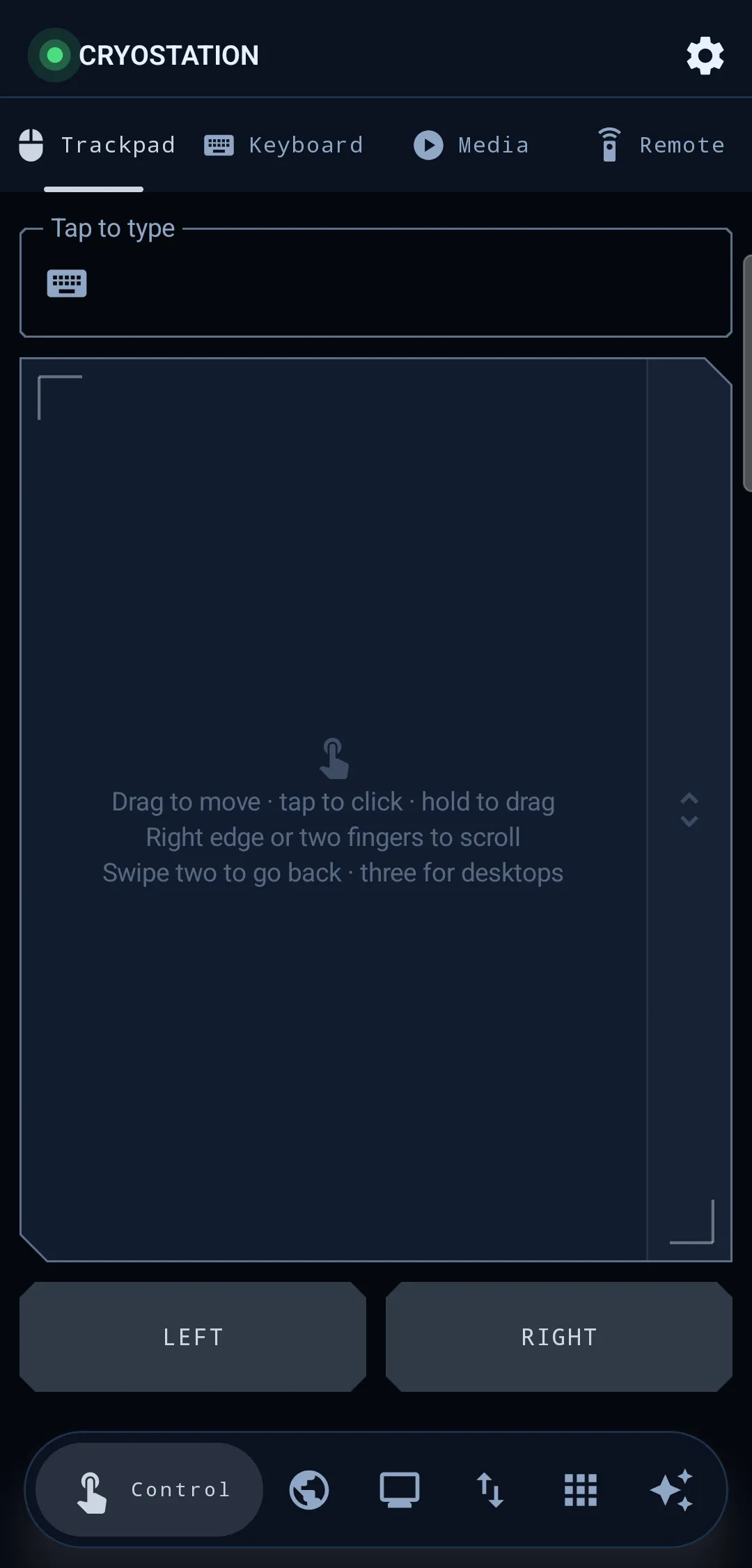
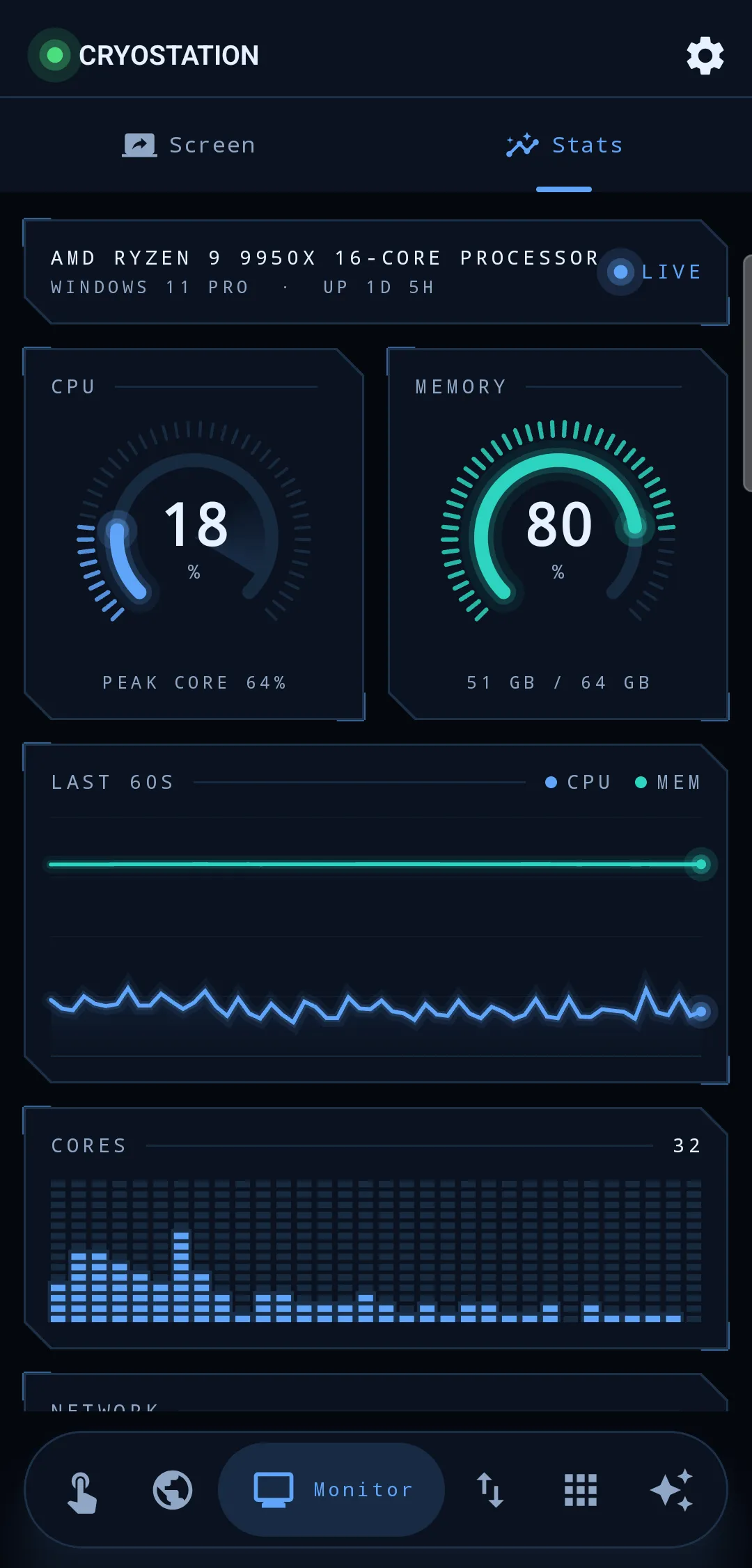
1 / 4
The decision worth reading is the one to stay on the LAN. A relay would have made pairing trivial, an account on each end and the NAT problem disappears, and it would also have made this project the operator of a live input channel into other people’s desktops. Refusing it costs discovery work, a QR fallback for the networks where discovery is blocked, and an app that simply does not work from a coffee shop. What it buys is a security model that fits in one sentence, which is the only kind anybody actually reads.
That sentence is also the honest one, and it is in the README rather than buried: one shared bearer token, and holding it is the practical equivalent of sitting at the PC. There is no per-feature permission model. Saying so is the point: a trust boundary that is documented as weaker than it looks is a boundary; one that is quietly assumed to be strong is an incident.
The unsigned-binary problem is written up rather than worked around. Both downloads trip their platform’s strongest warning, SmartScreen names an unknown publisher and Android refuses an APK that did not come from Play, and the fix is a code-signing certificate, not a code change. The release workflow already signs the exe when the certificate secrets are set and ships it unsigned when they are not, and until then the answer offered to a reader is the checksum file, not a shrug.
- 2
- Devices in the path
- ~14.5fps
- Mirroring
- 7
- Releases shipped